Renew Driver’s License Online: Eligibility, Steps, Fees & Timeline
You can renew your driver’s license online in most states, but only if you meet your state’s eligibility rules. Typically that means a standard license with no changes to your name, address, or photo requirements, a clean record, and no first-time REAL ID upgrade.
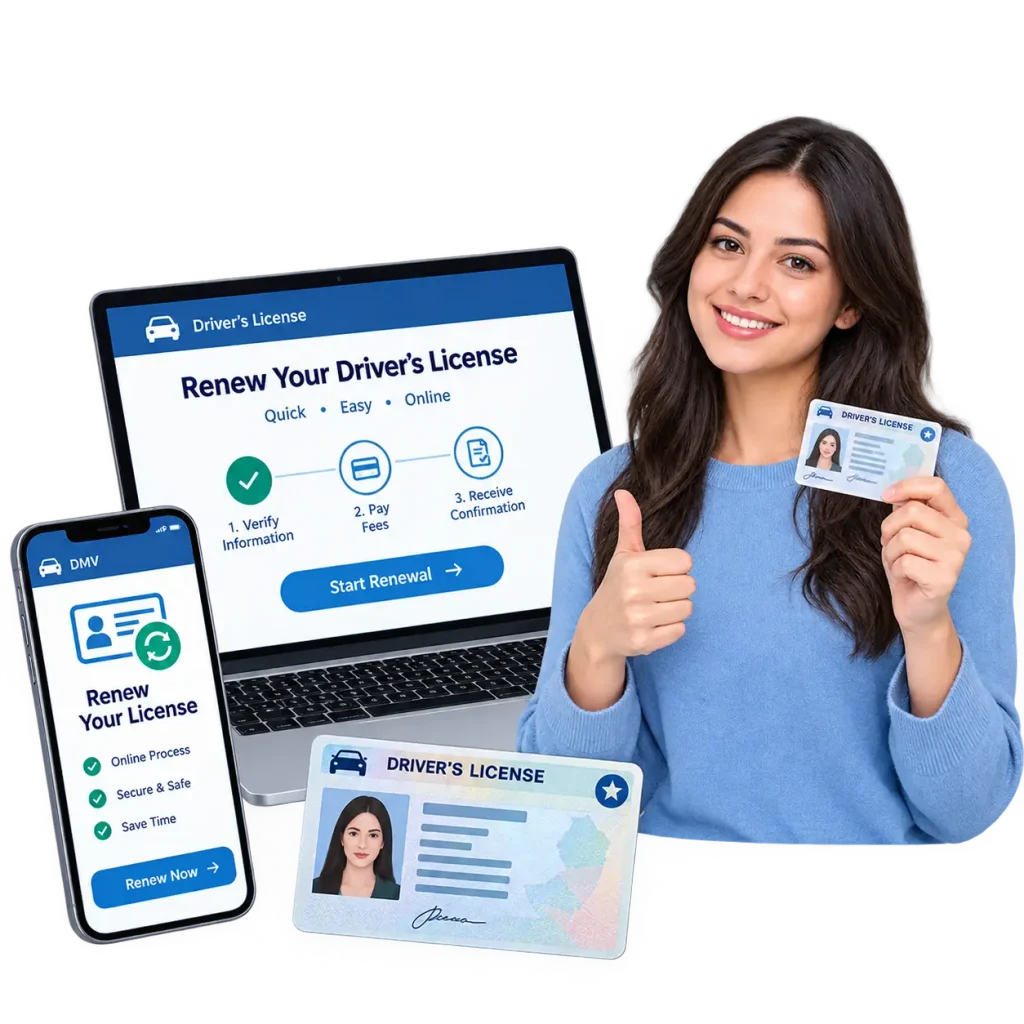
Not everyone qualifies, and the rules differ by state, age, and license type. This page explains who can renew online, what you need before you start, the steps in order, what it costs, and when you still have to visit an office. It also covers the most common problems, such as a failed eligibility check, a missing renewal notice, or a card that never arrives. State examples come from California, Texas, Florida, New York, Pennsylvania, and Ohio, using each agency’s own pages.
Can You Renew a Driver’s License Online?
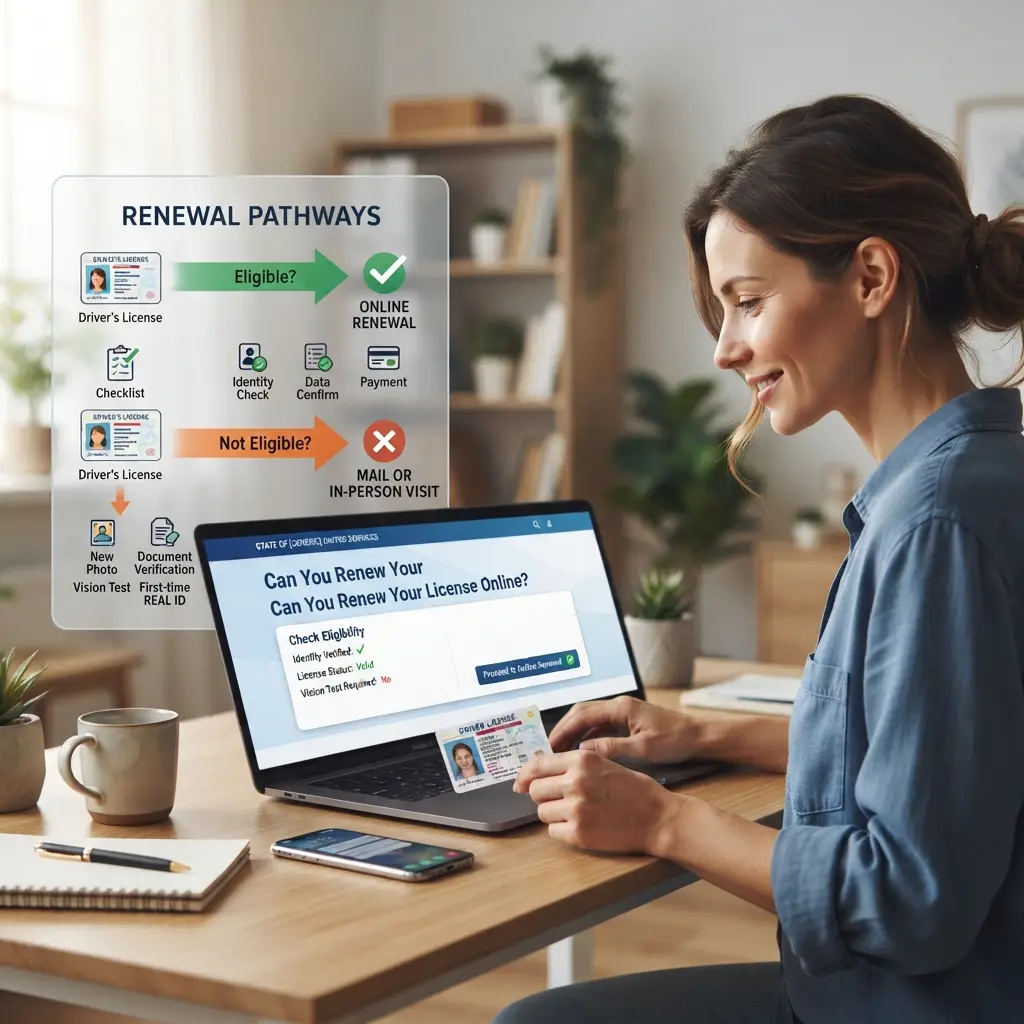
Yes, in most states you can renew a driver’s license online if you are eligible. Eligibility usually depends on your age, license class, citizenship record, how you renewed last time, and whether anything on your license needs to change. If you fail the online eligibility check, the agency will tell you to renew by mail or in person.
Online renewal is meant for simple cases. Agencies want a visit when they need a new photo, a document check, a vision test, or a first-time REAL ID application. That is why two drivers in the same state can get different answers on the same website.
Before you spend time gathering documents, run your state’s eligibility checker if it has one. Most agencies post the rules on the renewal page, and some let you test your eligibility with your license number and date of birth. This takes a minute and can save a wasted trip.
Who Can Renew a Driver’s License Online?
You can usually renew online if your license is current or only recently expired, your record is clear, and you do not need to change personal information. The details differ, so the table below compares published rules from six states. Read the row for your own state first.
| State | Who can renew online | Who must go in person |
|---|---|---|
| California | Within 90 days before or 12 months after expiration, with no address or description changes, and no first-time REAL ID | Those who received a notice requiring a visit, need changes, apply for REAL ID, or hold a commercial license |
| Texas | Class C, M, or CM license holders aged 78 or younger, U.S. citizens with SSN on file, whose last renewal was in person and no health or vision change | Drivers 79 or older, learner license holders, and anyone with tickets, warrants, or a suspended license |
| Florida | Customers who confirm eligibility on the MyDMV Portal for a Class E license | Those not eligible on the portal, including some older drivers who must pass a vision test |
| New York | Those with an Enhanced or REAL ID, or who keep a Standard license, with a vision test completed | Those switching to Enhanced or REAL ID, changing photo or class, holding a CDL, or with a temporary visitor date |
| Pennsylvania | Licenses with no corrections other than an address change | Everyone must later visit a Photo License Center with the camera card |
| Ohio | Current licenses or those expired under 6 months, subject to age rules | Drivers 65 or older cannot renew online; licenses expired more than 6 months need testing |
These rules change, so treat the table as a starting point. Age limits and record checks are the two factors that surprise people most. If you are close to a cutoff, such as an age limit, check the official page for your state before you plan.
Common Reasons You Might Not Qualify
Most denials come from a short list of causes. Knowing them helps you plan before the expiration date arrives. Most of these problems can be spotted a month ahead.
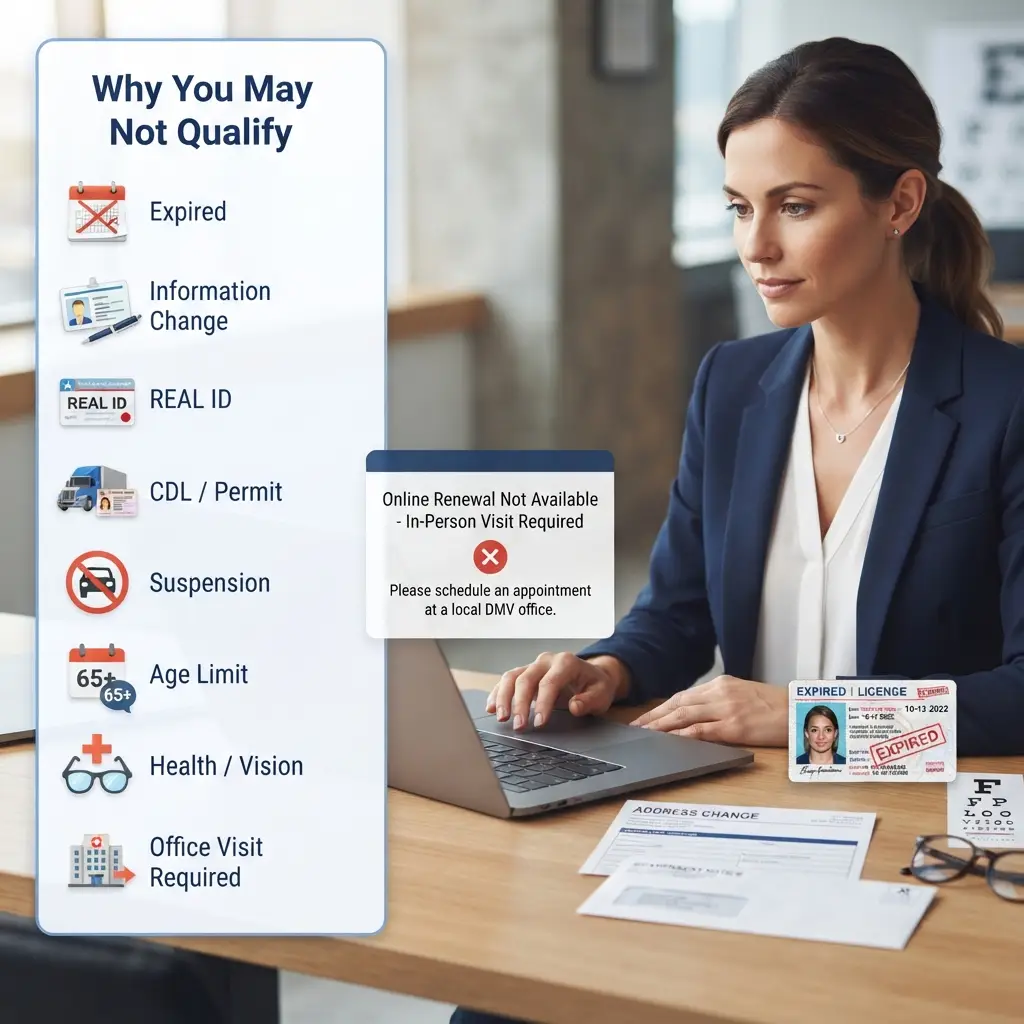
If any of these apply, call or check the agency page and ask for the correct alternative. Write down the answer and the date you asked. Do not keep retrying the online form, because repeated attempts will not change the result.
What You Need Before You Renew Online
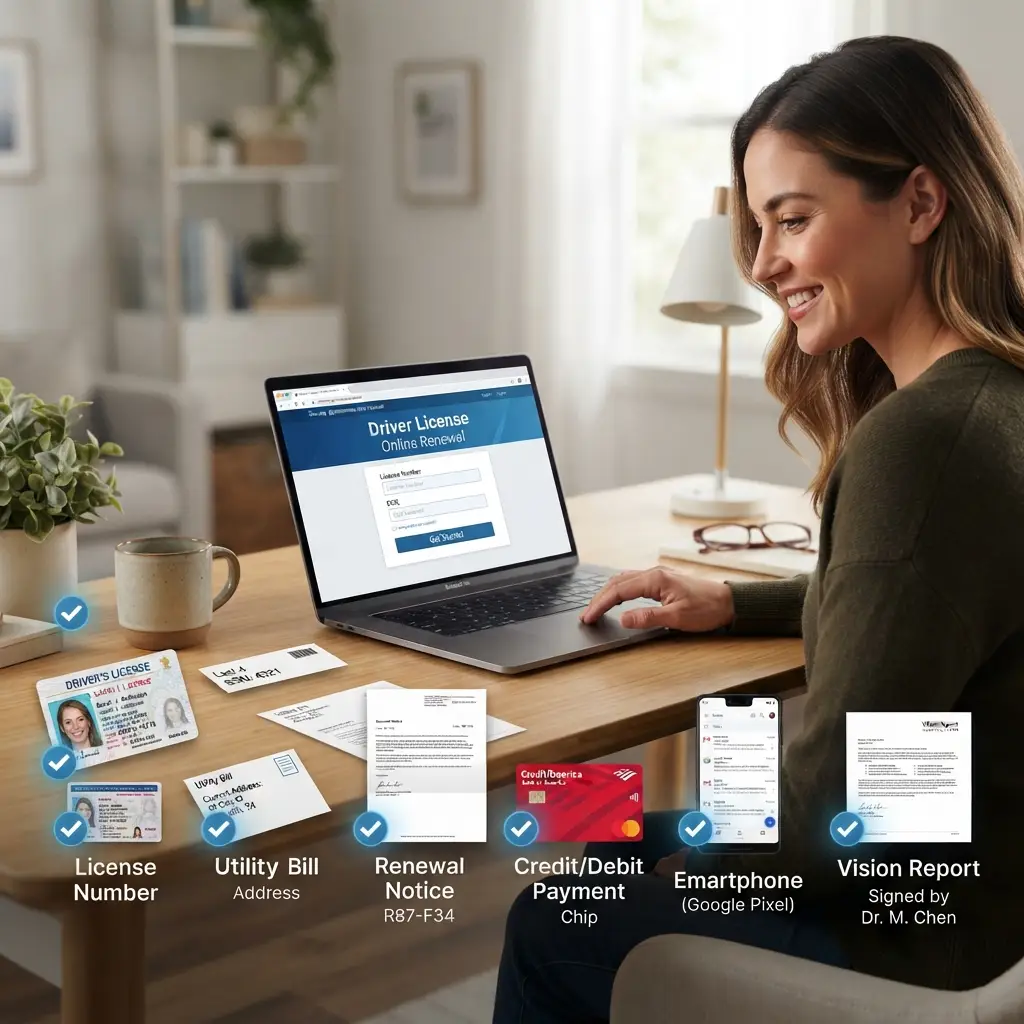
Most states ask for a short list of details and a payment method. Gathering them first keeps the session from timing out. Keep everything on the desk beside you.
Ohio lists proof of full legal name, date of birth, Social Security number if assigned, Ohio residency, and citizenship or legal presence for standard renewals, and it points to an acceptable documents page for the full list. Texas requires that your Social Security number is already on file with its Department of Public Safety. Agencies may add other checks, so read the instructions on your state’s renewal page.
Check that your address on file is correct before you start. Many states mail the new card to the address on record, and some will not let you change it during an online renewal. A wrong address is a common reason cards go missing.
How to Renew Your Driver’s License Online Step by Step
The steps are similar across states even though the websites look different. Follow this order. Skipping the eligibility check is the most common slip.
- Find your state’s official website. Search for your state’s driver license agency and look for a .gov address. Avoid ads and third-party sites.
- Open the renewal page. Choose “Renew Driver License” or a similar link on the driver services menu.
- Check your eligibility. Answer the questions or enter your license details so the system can confirm you qualify.
- Enter your personal information. You may be asked for your license number, date of birth, and part of your Social Security number.
- Review your address and details. Confirm that your mailing address is correct, and update it only if the system allows.
- Complete any required tests or forms. For example, New York requires a vision test to be on file before you renew.
- Pay the renewal fee. Use a card, and check whether a processing fee applies.
- Save your confirmation. Print or download the receipt and any temporary license the system offers.
- Wait for your new card. Watch your mail, and check the status tool if your state offers one.
Do not close the browser until you see the confirmation page. If the system freezes after payment, check your email and bank account before you try again, so you do not pay twice. Contact the agency if you see two charges.
How Much Does It Cost to Renew a Driver’s License Online?
Online renewal fees are usually the same as the fees charged at an office, though some states add a small processing charge. The cost depends on your state, license class, and the length of the renewal period. The published examples below show how much they vary.
| State | Published renewal fee | Notes |
|---|---|---|
| California | $46 for a regular Class C license | ID card renewal is $40 |
| Texas | $33 for a regular Class C renewal, ages 18 to 84 | Includes a $1 administrative fee; ID card renewal is $16 for ages 59 and younger |
| Ohio | $30.25 for a 4-year renewal, $59.40 for an 8-year renewal | No separate online fee listed |
| New York | Not confirmed on the fee page checked | An Enhanced license adds a $30 fee |
| Florida | See the state’s fee schedule | Tax collector offices may add a $6.25 service fee for in-person services |
| Pennsylvania | Shown on the form and fee pages | Check the official fees page |
For New York, Florida, and Pennsylvania, this page does not list a renewal amount because the pages checked did not state one for a standard renewal. Use each agency’s fee schedule before you pay. Beware of sites that charge much more than the state fee, since those are often unofficial services.
Fees can change, and some include extra charges, such as a REAL ID upgrade or a longer renewal period. These extras can change the total noticeably. If you want to know the exact total, start the renewal on the official site and read the payment screen before you submit.
How Long Does It Take to Renew a Driver’s License Online?
The online form is usually a short session, and the new card arrives by mail within a few weeks. Timing depends on the state and on how busy the agency is. Some states give you a temporary license to use while you wait.
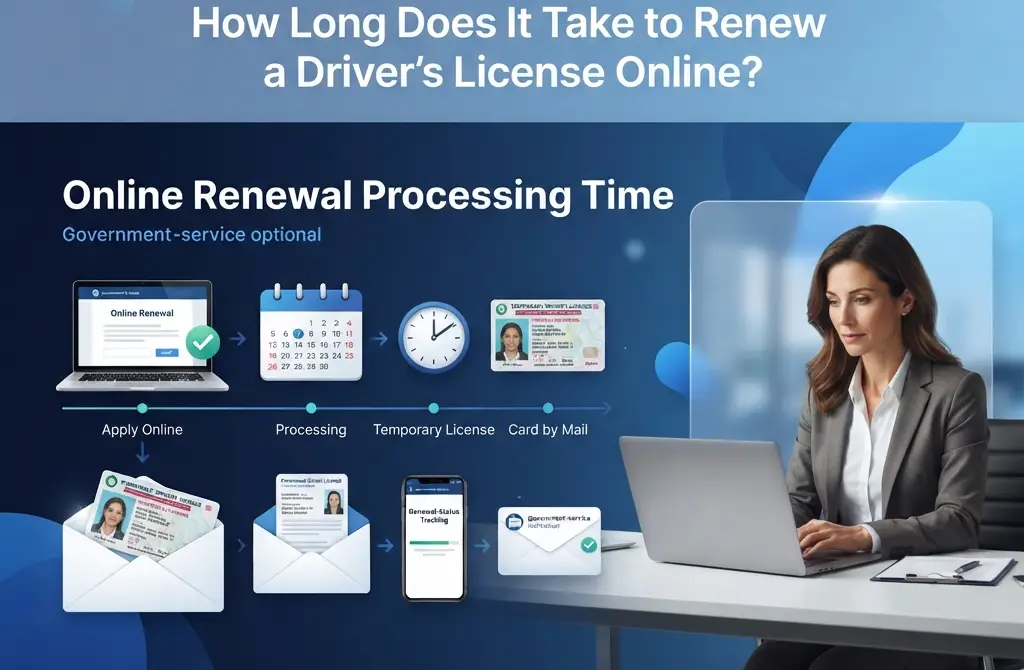
California says the new card arrives within three to four weeks and says to check the status online if it has not arrived after 60 days. New York lets you download and print a temporary license that is valid for 60 days, and it warns that high renewal volume can delay your permanent document. Pennsylvania says its camera card arrives within 14 days of an online renewal, and you then need to visit a Photo License Center to get your license.
If your license is close to expiring, renew early. Many states allow you to start months ahead, such as California’s 90 days before expiration or New York’s up to one year before. Starting early gives you time to fix problems without driving on an expired license.
When Can You Renew Online?
Most states allow renewal in a window before and after your expiration date. Renewing within that window avoids extra steps. If you wait too long, you may have to take tests again.
California allows online renewal within 90 days before or 12 months after the expiration date. New York allows up to one year before and two years after expiration. Texas allows online renewal if your license expires in less than two years or is less than two years past expiration, and Ohio allows renewal for licenses expired less than six months.
Age can change the timing. Ohio does not let drivers turning 21 renew more than 30 days before their birthday. Florida renews licenses every eight years for drivers 79 and younger, and every six years starting at age 80.
Renewing Online vs. By Mail vs. In Person
The best method depends on your situation. Online is fastest, but it is not always available. This table helps you choose.
| Method | Best for | Watch out for |
|---|---|---|
| Online | Simple renewals with no changes | Eligibility limits and delivery wait |
| By mail | People who cannot use the website and qualify | Longer processing, and a form is required |
| In person | REAL ID, photo changes, tests, or complex cases | Appointments, lines, and office hours |
Pennsylvania offers online and mail options and lists a camera card by mail in seven to ten working days after the form is processed. Some states require an in-person visit at set intervals, even if you renewed online last time. Texas, for instance, requires that your last renewal was done in person before you can renew online.
If you are not sure which method fits, start on the official website and follow its prompts. The system will usually direct you to the right option. If you need an office visit, book an appointment so you do not wait in a long line.
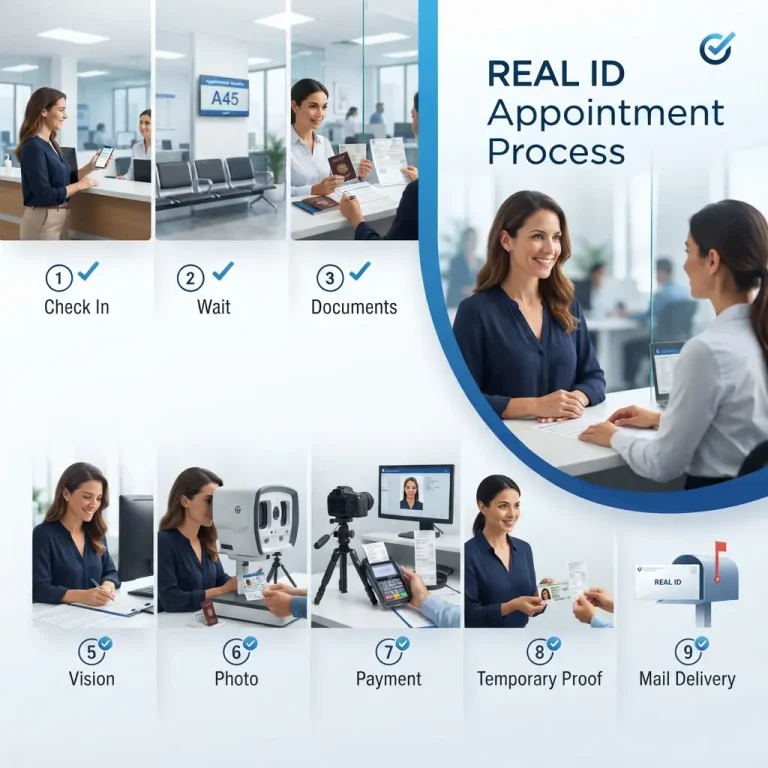
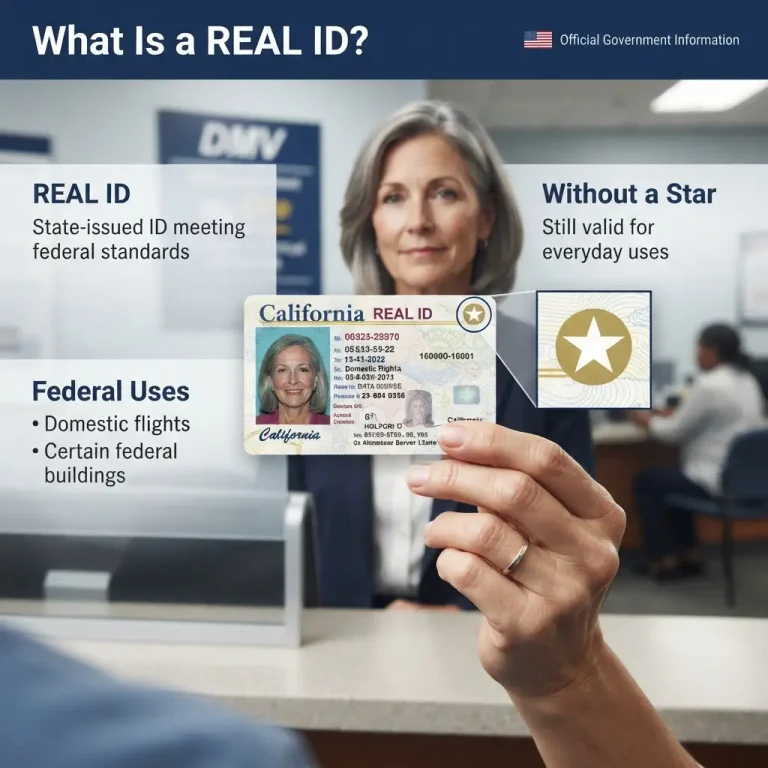
Can You Get a REAL ID When You Renew Online?
Often not on a first application. Many states require an office visit to apply for a REAL ID the first time, because staff must review your original documents. After you have a REAL ID, you can usually renew online in later cycles.
California lists a first-time REAL ID application as one reason you cannot renew online. New York says you must visit an office to change from a standard license to an Enhanced or REAL ID, and that if you already have one, you can renew online. Pennsylvania publishes a separate REAL ID page that explains its document requirements.
If you plan to fly within the United States, check whether your license is REAL ID compliant before you renew. A passport also works for domestic flights, so compare your options. Bring original documents to your office visit and use the state’s checklist.
Renewing an Expired Driver’s License Online
You may be able to renew online if your license expired recently, but the allowed window varies. California allows 12 months after expiration, New York allows two years, Texas allows two years past expiration under its rules, and Ohio allows less than six months. Beyond those limits, you may have to retest or visit an office.
Ohio is clear that a license expired more than six months requires a temporary permit and testing before a new license is issued. Do not drive on an expired license while you wait, since you can be ticketed. If your license has lapsed, check your state’s page for the shortest path to get legal again.
Renewing Online If You Are Out of State or Overseas
Some states let you renew while living outside the state, but the rules are narrow. Texas, for example, has a page that explains how to renew or replace a license while out of state. Military members and their families may have extra options, and Ohio publishes a separate page for military and veterans renewals.
If you live abroad or out of state, start early and check the agency’s out-of-state page. Mail delivery to a foreign address can take longer, and some agencies will not ship cards overseas. Ask whether you can have the card sent to a trusted address in your state.
Common Mistakes When You Renew a Driver’s License Online
These errors cause delays and extra costs:
Troubleshooting: Problems With Online Driver’s License Renewal
The website says you are not eligible. Read the reason on screen. Then follow the alternative, which is usually mail or an office visit. Call the agency if the message is unclear.
You lost your renewal notice. Most states do not require the notice for online renewal. Start on the official site using your license number and date of birth.
The payment failed. Try a different card, and check whether your bank blocked the charge. Wait a few minutes before you retry, and watch for duplicate charges.
Your card did not arrive. Check your state’s status tool and confirm your address on file. California suggests checking the status online if the card has not arrived after 60 days.
Your information is wrong on the new card. Contact the agency right away and ask how to correct it. Keep your receipt and temporary license.
The website timed out. Log in again and check whether your renewal was processed. If you see no confirmation, start over and keep your documents ready.
You need a temporary license. Look for a download option after renewal, as New York offers, or ask the agency what proof of renewal you can carry.
Tips to Renew Your Driver’s License Online Without Problems
A few habits make the process smoother. Set a reminder on your phone for 90 days before your expiration date. Keep your license number and a card in front of you when you start. Use a laptop or desktop if the mobile site feels unreliable.
Check your mailbox and your email spam folder after you renew. Update your address before you start if your state requires it to be correct. Keep your confirmation and temporary license in your wallet until the new card arrives.
If you are renewing for a family member, make sure they are eligible and that you have their consent. Some states do not allow someone else to renew for you. When in doubt, have the license holder complete the steps.
Frequently Asked Questions
Final Word on Renewing Your Driver’s License Online
Renewing online is usually quick, but it only works if you qualify and start before your license expires. Check your state’s eligibility rules, gather your license number and payment method, and use the official .gov website. Save your confirmation and watch for the card by mail.
If you do not qualify, switch to mail or an in-person visit rather than retrying the form. Plan ahead for a REAL ID, a vision test, or a photo update. A few minutes of preparation can keep you legal behind the wheel and save you a trip to the office.